


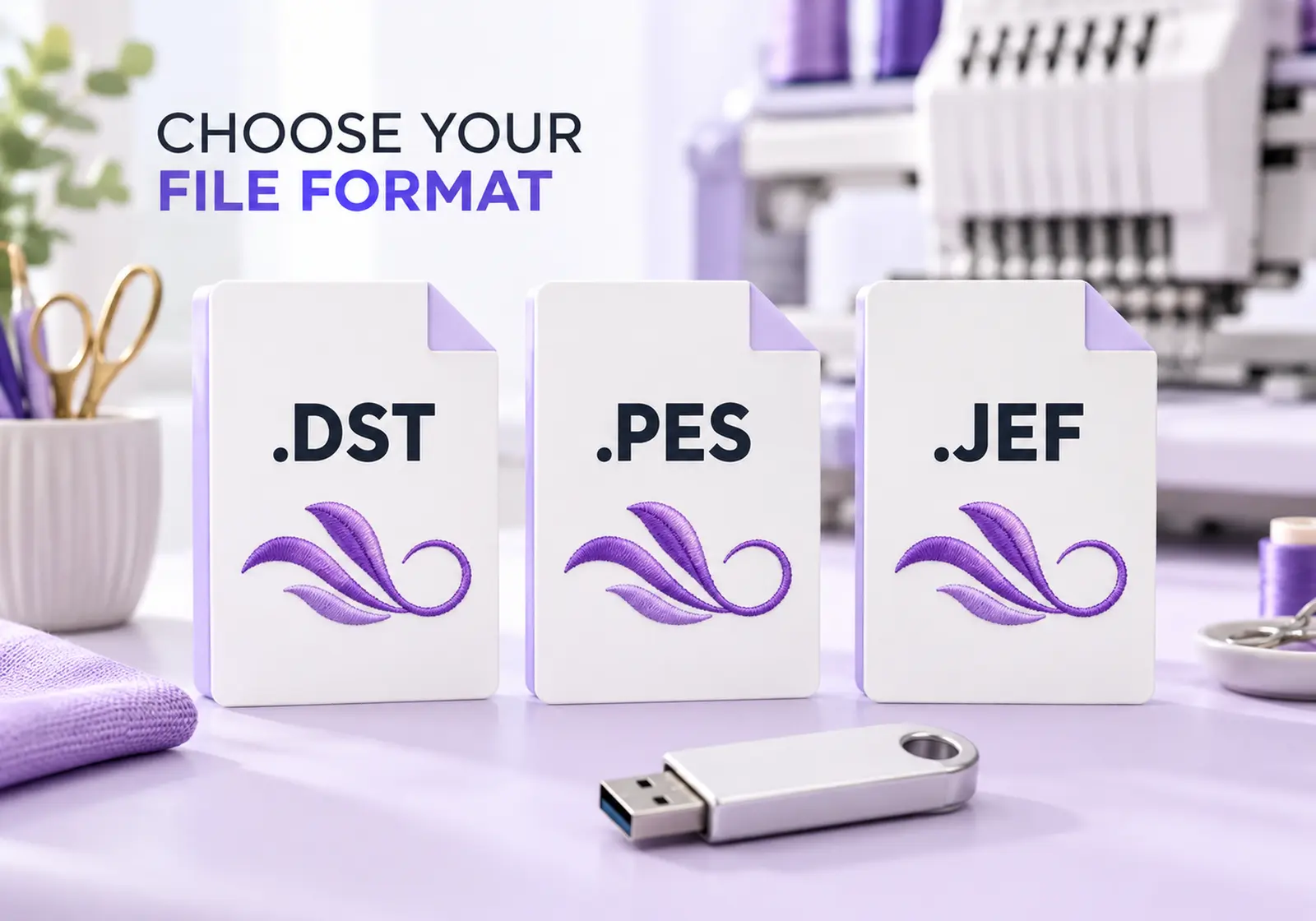
Choosing the correct embroidery file format is essential before sending a design to your embroidery machine. A design may look perfect on your computer, but if it is saved in a format your machine does not support, you may not be able to open or stitch it.
Three of the most commonly used machine embroidery formats are DST, PES, and JEF. Each has different compatibility and data characteristics. DST is widely used in commercial embroidery, PES is commonly associated with Brother and Baby Lock machines, and JEF is the standard format for many Janome and Elna machines.
In this guide, you will learn how these formats differ, which machines commonly use them, what information they store, and how to request the correct file from your digitizer.
An embroidery file is not simply a picture of your logo. It contains machine-readable stitch instructions, including needle positions, stitch movements, jumps, trims, and color-change stops.
Your embroidery machine follows these instructions to reproduce the design on fabric. Different machine manufacturers support different file formats, so choosing the correct extension is important for a smooth production workflow.
The right format helps your machine interpret the stitch sequence correctly. However, remember that file compatibility and digitizing quality are two separate things. A compatible file can still produce poor results if its stitch density, underlay, pull compensation, or stitch sequence has not been planned properly.
Feature |
DST |
PES |
JEF |
|---|---|---|---|
| Format association | Tajima | Brother / Baby Lock | Janome / Elna |
| Common use | Commercial embroidery | Home and commercial embroidery | Home and small-business embroidery |
| Stitch instructions | Yes | Yes | Yes |
| Thread color information | No dedicated thread-color data | Supports color information | Supports color information |
| Machine compatibility | Many commercial machines | Supported Brother and Baby Lock models | Supported Janome and Elna models |
| Best starting point | Commercial production | Compatible Brother machines | Compatible Janome machines |
Important: This table shows common associations, not universal compatibility. Always check your exact machine model’s manual before choosing a file.
DST stands for Tajima embroidery format. It is widely used by commercial embroidery shops and multi-needle machines because it provides machine-readable stitch instructions in a commonly supported format.
A DST file contains stitch coordinates and machine commands such as jumps, trims, and color-change stops. However, it does not contain dedicated thread-color information in the same way that some other formats do.
This means your machine may display default colors or a generic color sequence when you open a DST design. You may need to assign the actual thread colors manually by following the supplied color chart or design preview.
When should you choose DST?
DST is widely supported, but do not assume every machine accepts it. Confirm compatibility first.
PES is a machine embroidery format commonly associated with Brother and Baby Lock embroidery machines. It is widely used by home embroiderers, small businesses, and compatible commercial setups.
A PES file contains stitch instructions and can also carry additional design information, such as thread-color data and other supported metadata. The exact information displayed depends on the file version, software, and machine model.
One advantage of PES is that compatible machines may display a more useful color sequence when the design is opened. This can make it easier to follow the intended thread changes during production.
When should you choose PES?
Always check the supported formats listed in your machine’s instruction manual. Some Brother models also support DST and other formats.
JEF is the standard embroidery stitch format associated with Janome and Elna embroidery machines.
It contains machine-readable stitch data, including the coordinates and instructions needed to sew the design. Compatible machines can use the file to reproduce the digitized artwork.
JEF can also carry thread-color information that supported machines and software can interpret. Janome offers related formats such as JEF+ and JPX for additional editing or machine-specific functions.
When should you choose JEF?
Do not assume that every older or newer Janome model supports every related file extension. Check the manual for your exact model.
Here is a simple starting guide:
Machine brand |
Commonly associated format |
|---|---|
| Tajima | DST |
| Brother | PES |
| Baby Lock | PES |
| Janome | JEF |
| Elna | JEF |
| Commercial multi-needle machines | Often DST, depending on model |
Some machines support additional formats. For example, certain Brother models can read DST, while some Janome machines can also open DST files. Compatibility varies by model and software version.
If you are unsure, check your machine’s manual or contact the manufacturer before ordering your embroidery file.
DST, PES, and JEF are not the only embroidery formats. You may also encounter these extensions:
The correct format depends on the machine, software, and production workflow. If your machine uses a less common extension, mention it when requesting digitizing.
No. Changing a file extension or converting a design from one machine format to another does not automatically improve embroidery quality.
The actual stitch construction determines how the design sews. Important factors include:
A poorly digitized design can still produce thread breaks, puckering, gaps, or distorted lettering after conversion. A professionally digitized design should be planned for the intended fabric, design dimensions, and embroidery application before being exported to the required machine format.
For example, a cap logo needs different stitch planning from a flat left-chest logo. Read our guide to Cap Embroidery Digitizing And Why It Is Different.
This is an important distinction for embroidery businesses.
A machine file such as DST, PES, or JEF contains stitch instructions that a compatible embroidery machine can sew. An editable working file, such as Wilcom EMB, preserves more of the original design structure, including object outlines, stitch properties, thread colors, and other editable information.
Keeping the native working file can make future changes easier. For example, if a customer changes a logo color, requests a different size, or needs an adjusted stitch sequence, the digitizer may be able to edit the original design more efficiently.
A machine file is primarily intended for production, while a native working file is intended for design editing. They are not interchangeable.
Before placing an order with a digitizing service, provide the following details:
If you are unsure which format your machine needs, share its brand and model with your digitizer before production.
For more information about preparing your logo, explore our Professional Embroidery Digitizing Services.
DST, PES, and JEF all serve the same basic purpose: delivering stitch instructions to compatible embroidery machines. The main difference is their manufacturer association, compatibility, and the additional information each format can preserve.
Choose DST when your commercial machine or production partner requests it, PES for compatible Brother and Baby Lock machines, and JEF for supported Janome and Elna machines.
Most importantly, confirm the exact machine model before ordering. Providing the correct requirements helps your digitizer prepare a suitable machine file and reduces avoidable production delays.
If you need a custom logo converted into a machine-ready embroidery file, share your artwork, finished dimensions, fabric, and machine model to get started. You can also review our Embroidery Digitizing Pricing Guide before requesting a quote.
Send your design. We’ll confirm the price and turnaround before work begins.
Get My Free QuoteFree quote. No account required.
 Toy Story Alien Christmas Embroidery Design – 5x7, 6x10, 8x12
 Christmas Things Embroidery Design – 5x7, 6x10, 8x12
 Latina Pride Spanish Quote Butterfly Embroidery Design – 5x7

